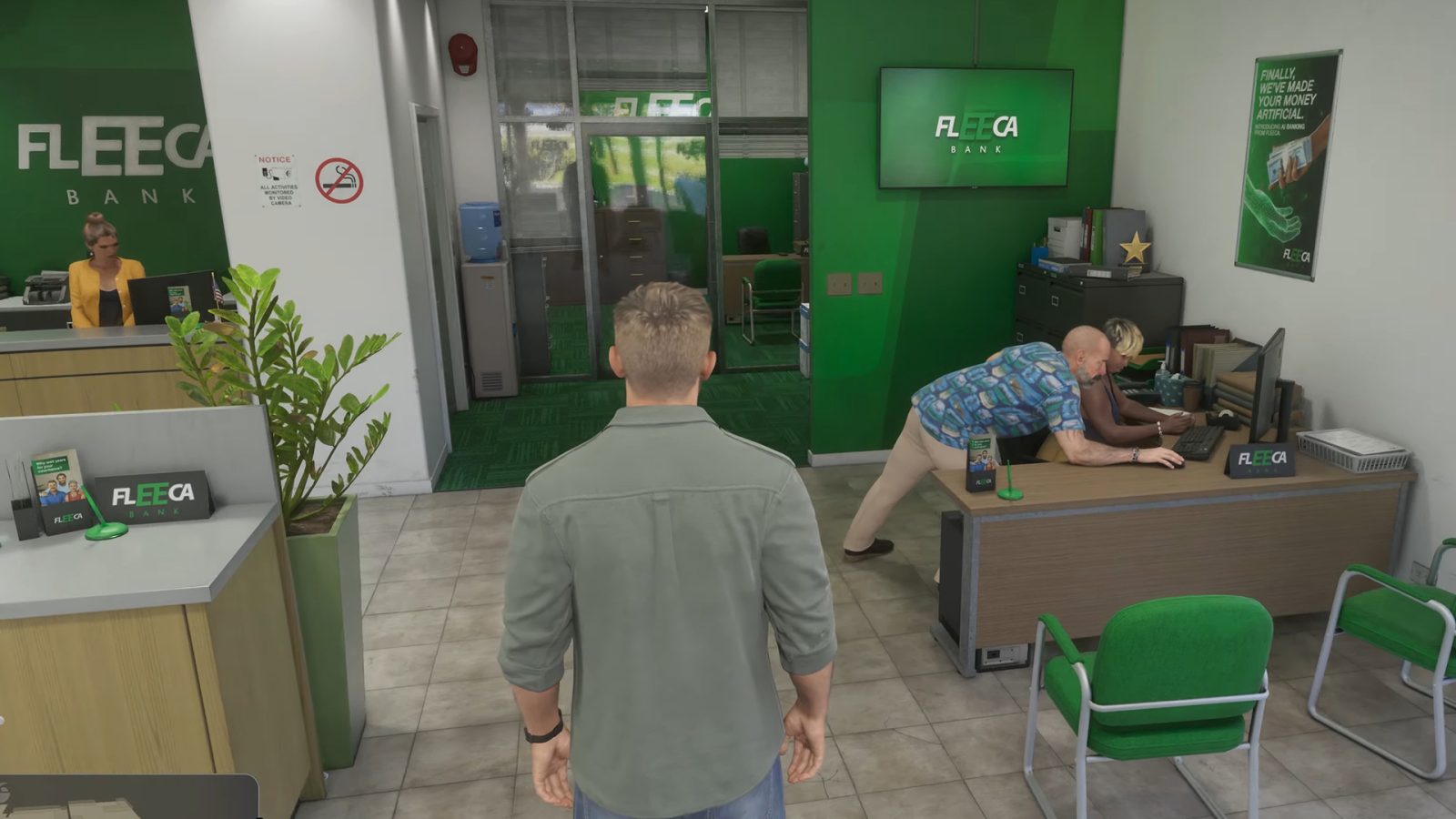
The Buck Me mission in GTA 6 is the twenty-first chronological mission of Chapter 1 in the Leonida Keys, triggered by Lucia Caminos on November 19, 2026 in Grand Theft Auto VI. About half a day after returning home in Coming Home, Lucia calls Jason Duval to explain that she needs a checking account to receive her community service paychecks and asks him to meet her at the Fleeca Bank branch in Key Lento. This complete walkthrough covers your visit to Fleeca Bank, how to unlock the BuckMe banking app, how the Family Savings account works ($5,000 first goal), and whether to tell Lucia about your saved cash.
Warning
Spoiler warning: this guide for the Buck Me mission in GTA 6 details the Fleeca Bank credit rejection, how the BuckMe mobile banking system works, and the relationship outcome of telling Lucia about your savings.
In short: Buck Me mission overview in GTA 6
| Detail | Information |
|---|---|
| Number & Chapter | Mission #21 — Chapter 1 (The Keys) |
| Mission Type | Main Story Mission (Required for 100%) |
| Mission Giver | Lucia Caminos (Key Lento Fleeca Bank branch) |
| Playable Character | Jason Duval |
| Difficulty | Easy (no combat, banking & Family Savings tutorial) |
| Rewards | $100 welcome bonus + permanently unlocks the BuckMe banking app (Checking Account & Family Savings) |
| Key Choice | Tell Lucia about your savings (recommended: improves relationship) or keep it to yourself |
| Previous Mission | #20 Clean Up After Donnie |
| Next Mission | Mission #22 Down to Earth |
Step-by-step walkthrough for the Buck Me mission in GTA 6
Step 1: Meet Lucia at the Fleeca Bank in Key Lento and speak to the teller
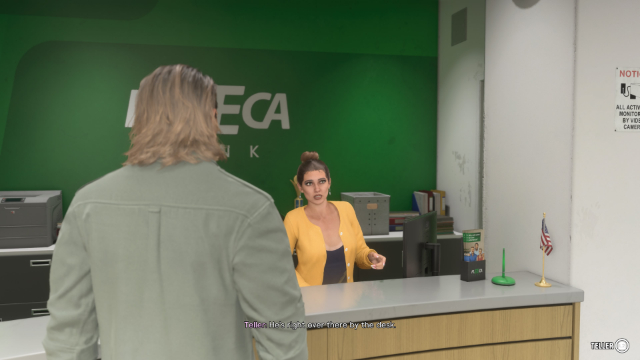
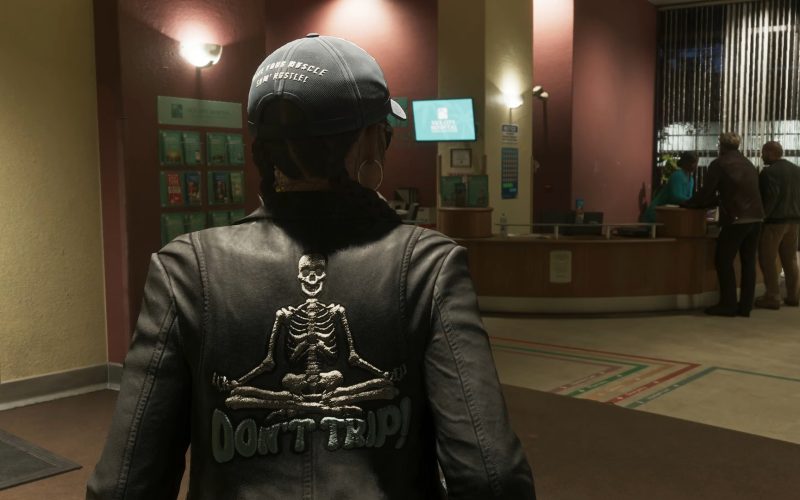
Roughly half an in-game day after Coming Home (and after helping Donnie in Clean Up After Donnie), Lucia calls Jason and asks him to meet her at the Fleeca Bank branch in Key Lento. Walk inside the green-walled lobby and talk to the teller in the yellow cardigan behind the left counter (Teller), who directs you to the branch manager standing at the desk in the right corner.
Step 2: Follow the branch manager into his office to learn about BuckMe
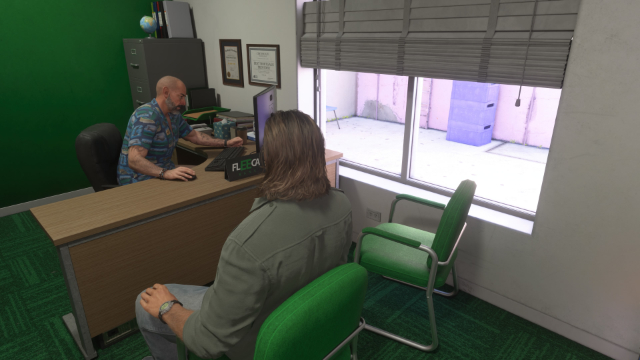
Walk over to the manager wearing a blue Hawaiian shirt and follow him into his glass-walled office at the back of the bank. After checking Jason and Lucia’s credit history, the manager informs you that your credit score is far too low to open a traditional Fleeca account—and suggests using a mobile fintech app called BuckMe instead.
Step 3: Open the purple BuckMe app on Jason’s smartphone at home
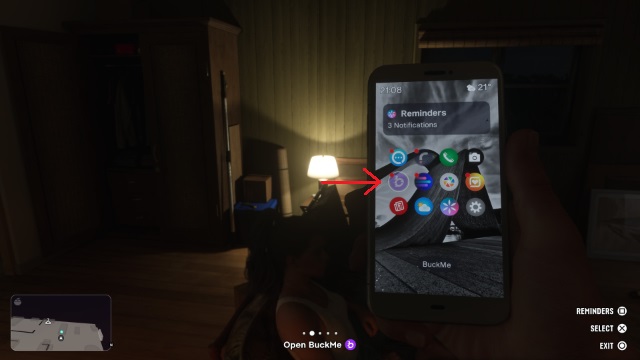
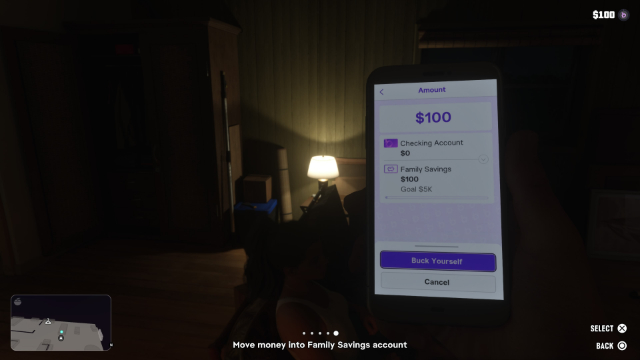
After the cutscene, you return to Jason’s bedroom in Key Lento that evening with a $100 welcome bonus already deposited into your new checking account. Pull out Jason’s phone, highlight the round purple “b” icon on the middle row of the home screen, and press Cross (PS5) or A (Xbox Series) to open BuckMe.
Step 4: Move the $100 into Family Savings and tell Lucia about your saved cash
Inside the BuckMe app, open the Checking Account menu and select the purple Buck Yourself button to transfer your $100 welcome bonus into the Family Savings account (which starts with an initial goal of $5,000).
Right after transferring the money, Lucia asks whether Jason has any other cash put aside, giving you a dialogue choice:
- Tell Lucia about your savings (“Saved Cash” — recommended): Jason is honest with Lucia about the money he has saved up, earning an immediate relationship boost with zero financial downside.
- Keep your savings to yourself: Jason hides his pocket cash from Lucia, which lowers your relationship meter without giving you any extra money.
Tip
How BuckMe Checking & Family Savings work in GTA 6:
– Pocket Cash vs. Checking Account: you lose a portion of your pocket cash whenever you die, and any purchase over $1,000 must be paid through BuckMe. Make a habit of depositing your cash at ATMs regularly.
– Family Savings perks: money transferred into Family Savings can never be withdrawn, but it can never be lost either. Reaching each savings milestone (starting at $5,000) unlocks store discounts and raises your checking account limit.
Frequently asked questions
Can you withdraw money from the Family Savings account in BuckMe in GTA 6?
No, money moved into Family Savings cannot be withdrawn, but it can never be lost and each milestone (starting at $5,000) permanently unlocks store discounts and higher checking account limits.
Should you tell Lucia about your savings at the end of the Buck Me mission?
Yes, always choose to tell Lucia about your saved cash: it improves your relationship meter with her and does not take any money out of Jason’s wallet.
Why should you deposit cash into BuckMe at ATMs in GTA 6?
You lose pocket cash whenever you die, whereas money deposited into your BuckMe checking account at an ATM is protected and required for all purchases over $1,000.
What’s next?
With the BuckMe app unlocked on your phone, Brian Heder calls Jason down to the marina for a new job where Lucia decides to tag along (Down to Earth), while two quick banking tasks (Deposit Cash Into BuckMe and Save for the Future) also become available. Check the next missions in our complete Chapter 1 Keys mission hub. You can also explore the official Leonida Keys world overview on Rockstar Games alongside this Buck Me mission in GTA 6 walkthrough.
Leave a Reply