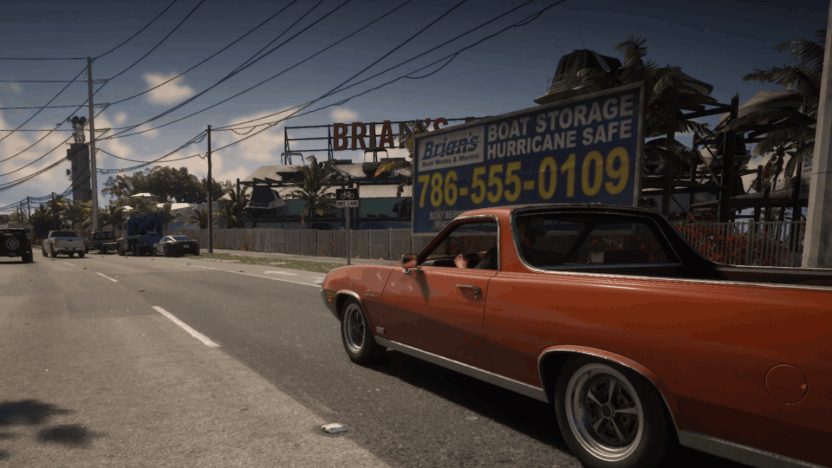
GTA 6 fast travel skips the usual click-on-the-map teleportation in favor of two immersive smartphone services across Rockstar Games‘ Leonida: Paradise Taxi and the RydeMe rideshare app—plus a hidden, free Auto-Drive autopilot inside Cinematic Mode that the game never explains. Here is every button prompt, fare detail, and the secret setting to enable off-road autopilot.
In short: GTA 6 fast travel & Auto-Drive controls
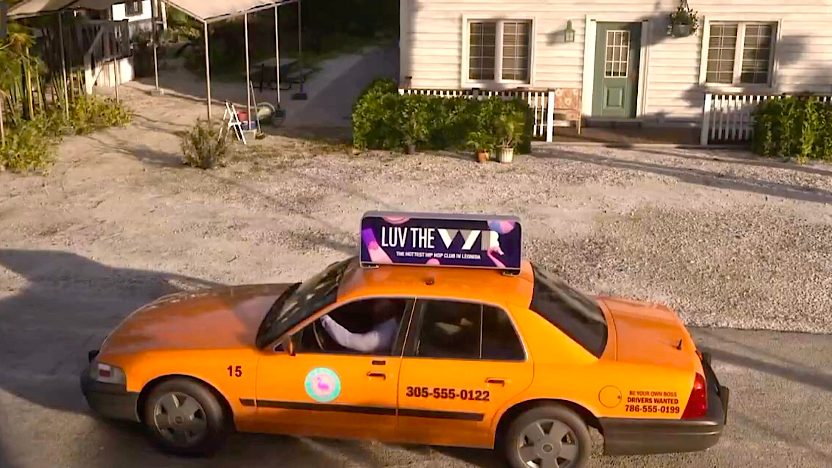
- Paradise Taxi (from the start): unlocks right after the opening mission Gone Fishing, pays from pocket cash, and can even take you into fogged, undiscovered areas.
- RydeMe (rideshare app): unlocks once you open your bank account in Buck Me, charges BuckMe directly (and gets 20% off at the BuckeDry Family Savings tier).
- Skip any ride instantly: inside a cab or RydeMe, hold L2 / LT and press Triangle / Y to fast travel immediately for an extra $100.
- Free Auto-Drive autopilot: set a map waypoint, pull onto a road, hold D-pad Down + Options / Menu for Cinematic Mode, and toggle Auto-Drive on.
Comparison Table: Paradise Taxi vs. RydeMe vs. Auto-Drive
| Method | Unlock Point | Cost | Best Use & Limits |
|---|---|---|---|
| Paradise Taxi | After Gone Fishing | Pocket cash fare + $100 to skip | Reaches undiscovered fogged areas; cannot drive into deep swamps or isolated keys. |
| RydeMe App | After Buck Me mission | BuckMe account (-20% with BuckeDry) + $100 to skip | Ideal when carrying zero pocket cash; lets you browse your phone or chat mid-ride. |
| Auto-Drive (Cinematic Mode) | Available from minute one | 100% Free | Obeys traffic laws (slower than manual driving), great for screenshots or hands-free cruising. |
Method 1: GTA 6 Fast Travel with Paradise Taxi
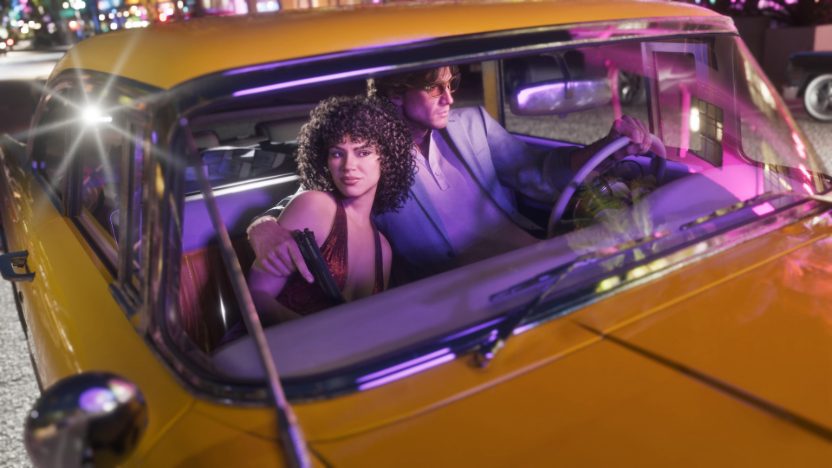
Right after completing the opening mission, Paradise Taxi is your go-to GTA 6 fast travel option:
- Press D-pad Up to open your phone and go to Contacts > All Contacts > Paradise Taxi.
- Stand near an accessible road—the dispatcher sends a cab marked by a white car icon on the minimap (tap D-pad Down if you do not see it).
- Hop in, pick your destination, then hold L2 / LT to focus on the driver and press Triangle / Y to skip the ride (+$100).
Method 2: GTA 6 Fast Travel with the RydeMe App
After setting up your BuckMe bank account during Buck Me (see our make money & BuckMe guide), the RydeMe app appears on your smartphone automatically:
- Open RydeMe, pick a landmark or your custom waypoint, and confirm the distance-based fare.
- Once inside, hold L2 / LT and press Triangle / Y to skip the journey (+$100). If no RydeMe driver is nearby in remote counties, call Paradise Taxi instead.
Method 3: How to Activate Free Auto-Drive (Cinematic Autopilot)
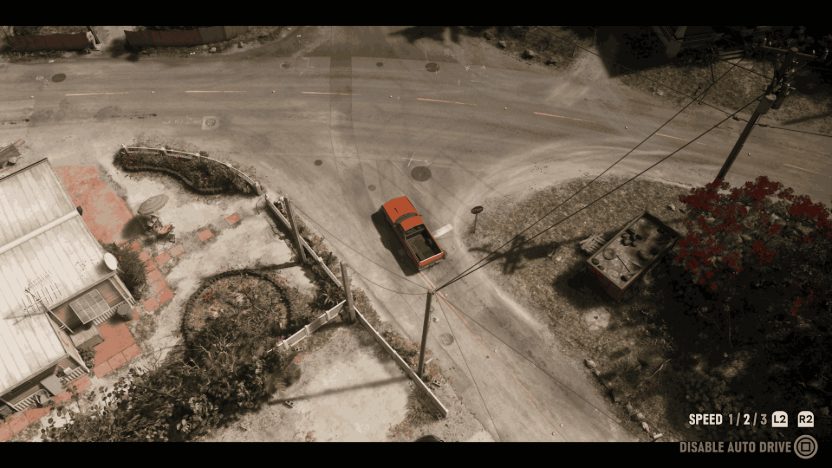
If you want a free alternative to paid GTA 6 fast travel, Auto-Drive works from the very start whenever you are in a vehicle with a waypoint set:
- Open the map and place a waypoint with Cross (PS5) / A (Xbox).
- Pull onto a public road (by default, the prompt stays greyed out off-road).
- Hold D-pad Down and press Options (PS5) / Menu (Xbox) to enter Cinematic Mode.
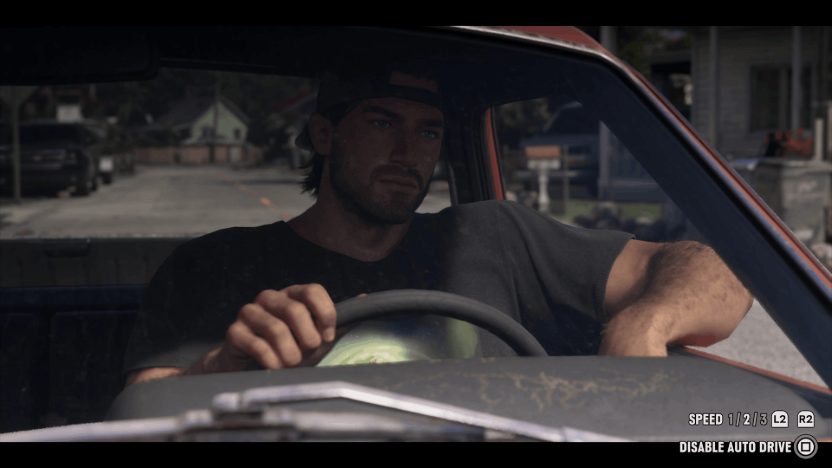
- Press the prompt in the bottom-right corner to enable Auto-Drive—Jason or Lucia now drives automatically.
- Adjust between 3 speed settings (1, default 2, or 3) using L2 / R2 (LT / RT on Xbox).
Tip
Off-road autopilot tip: to use Auto-Drive away from paved roads, open Settings > Gameplay and change Auto Drive to Unrestricted. To exit without accidentally bailing out of the car, hold the exact Disable Auto Drive button shown in the bottom-right corner.
Frequently asked questions
Can you teleport for free on the map with GTA 6 fast travel?
No—GTA 6 fast travel uses Paradise Taxi or RydeMe, and skipping the ride costs an extra $100 by holding L2/LT and pressing Triangle/Y.
How do you unlock the RydeMe app in GTA 6?
RydeMe unlocks automatically on your phone as soon as you open your BuckMe bank account during the Chapter 1 mission Buck Me.
Why is Auto-Drive greyed out in GTA 6?
Auto-Drive requires a map waypoint and defaults to public roads only. Switch Auto Drive to Unrestricted under Settings > Gameplay to use it off-road.
What’s next?
Master getting around Leonida with our full GTA 6 map guide, our GTA 6 personal vehicles & 15 garages guide, and our best cars guide.

Leave a Reply