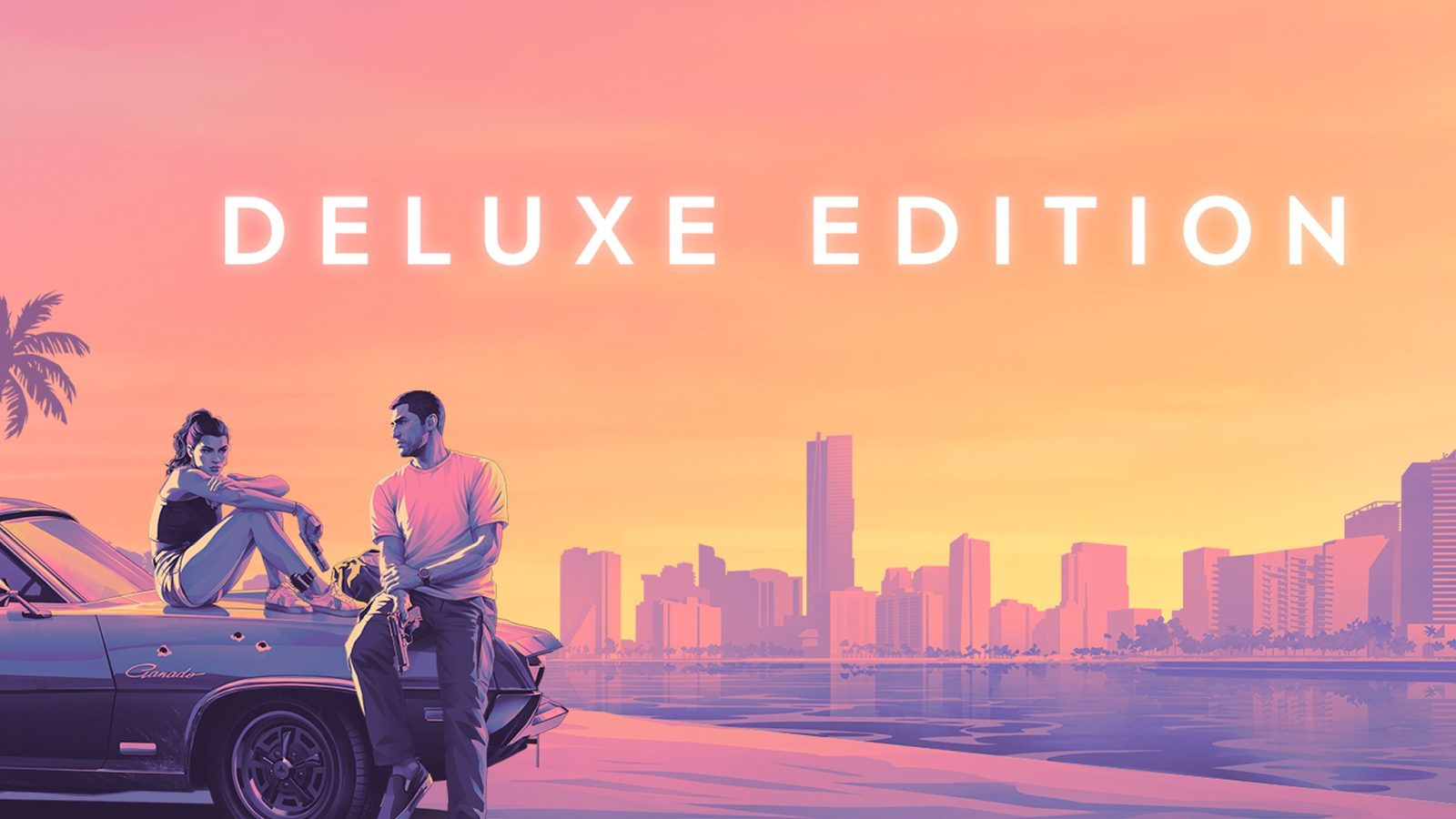
The GTA 6 deluxe album arrived on November 23, 2026, with Rockstar Games and Atlantic Records adding 23 tracks to Grand Theft Auto VI: The Album. Travis Scott, Slayyyter, The Dare, Anitta and Overmono are among the featured artists. You can listen to the expanded album outside the game; its release doesn’t mean all 23 songs have been added to Leonida’s radio stations.
In short
- The deluxe release adds 23 tracks to the original 34.
- Travis Scott, Slayyyter, Anitta and Overmono are among the artists on the new tracks.
- The official listening page links to Spotify and Apple Music, among other services.
- This is an album release, not an announcement of a new in-game station or an Ultimate Edition perk.
GTA 6 deluxe album: what’s on the new tracklist?
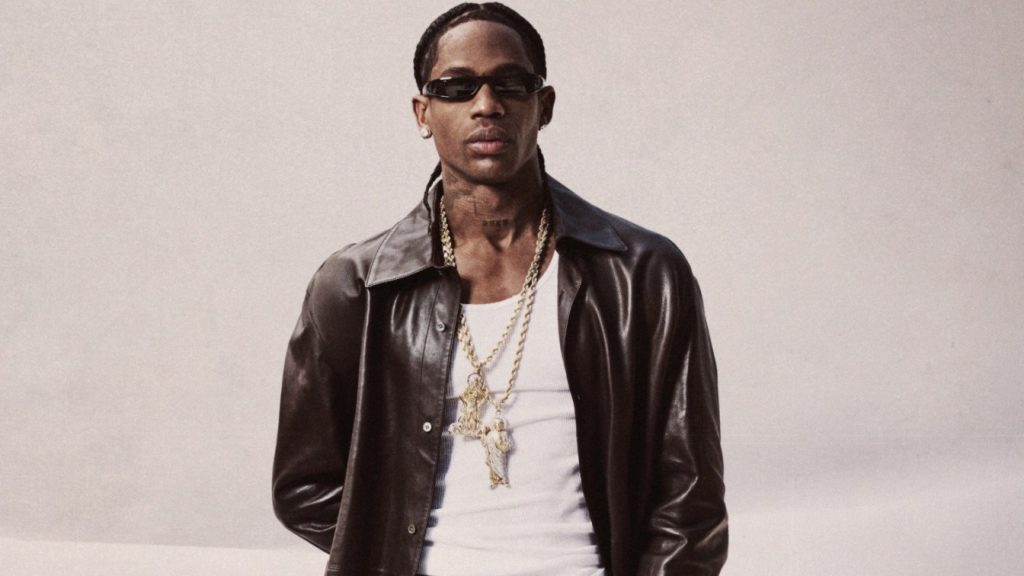
Travis Scott opens the run of new tracks and Overmono’s “Welcome to Leonida” closes it. In between are Slayyyter’s “internet $tar,” The Dare’s “Interesting” and Anitta’s “Touch & Go.” There are also contributions from Denzel Curry, Latto, HEALTH and Power Trip. The new stretch of the album covers more ground than any one artist or genre.
The 23 additions build on the 34 songs already released as Grand Theft Auto VI: The Album. If you’re working from a list you saved when the original came out, look for the Deluxe Edition label before comparing the two. The album title on its own doesn’t identify which release you’ve opened.
Where to stream the GTA 6 deluxe album
The official deluxe listening page lets you choose a service, including Spotify and Apple Music. You don’t need to start GTA 6 or own a specific edition of the game to open the album on a music service. The listening options are separate from the console game and its editions.
Search for the album by name and you may land on the original release instead. The two listings use nearly the same title. Start from the official listening page or check that the release on your preferred service is labelled Deluxe Edition. The label is more useful than a quick glance at the cover thumbnail.
Use the album listing itself if you want to hear the new tracks in order. A playlist returned by a search for GTA 6 music can include songs from the game without being either edition of The Album. The official link takes you straight to the release you’re looking for.
Tip
Not sure which version you’ve opened? Look for Overmono’s “Welcome to Leonida” in the deluxe tracklist rather than relying on the cover thumbnail alone.
What the album release doesn’t change in GTA 6
The GTA 6 deluxe album is a music release. The announcement doesn’t say that every track will play on the in-game radio, or that a radio update is rolling out alongside the album. Our GTA 6 radio station guide covers the stations and programming you can find in the game itself.
The Album is also distinct from the score Justice composed to accompany the game. Justice is part of GTA 6’s broader musical lineup, but the November 23 release expands the multi-artist album. Our GTA 6 soundtrack overview separates the album, the score and the radio stations. For Rockstar’s description of the game itself, see the official GTA 6 launch page.
Frequently asked questions
How many new songs are on the GTA 6 deluxe album?
The deluxe edition adds 23 tracks to the original 34, including songs by Travis Scott, Slayyyter and Overmono.
Where can I stream the GTA 6 deluxe album?
The official deluxe listening page links to Spotify, Apple Music and other music services. Look for the release labelled “Deluxe Edition.”
Have all the deluxe tracks been added to GTA 6 radio?
The announcement is for the album. It doesn’t confirm that every new track plays on in-game radio or that a new station has been added.
What’s next?
Open the GTA 6 deluxe album on your usual music service and pick out the additions you want to hear. Keep the original tracklist handy if you’re comparing the two releases. If you’re still getting started with the game rather than looking for a record, our GTA 6 launch guide covers what to know before playing.
Sources: official listening page; Official Charts; Rolling Stone; Consequence.
Leave a Reply